Video Content



Written Content
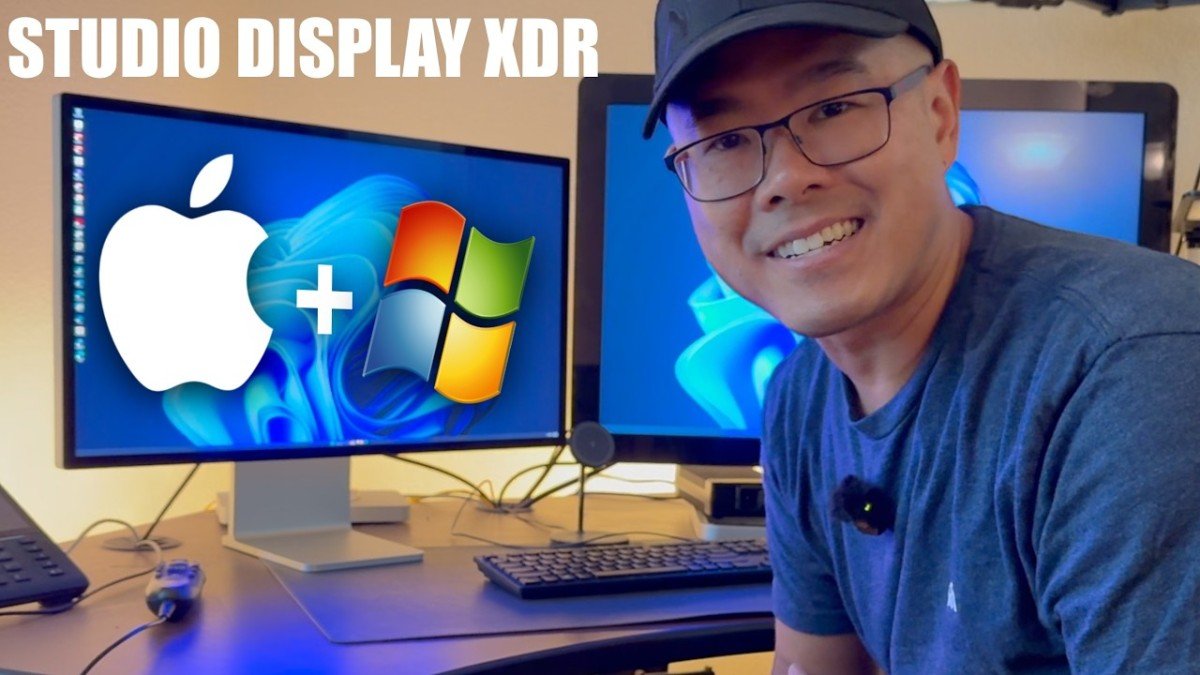
Jimmy set out to answer a question most tech reviewers have never thought to ask: can a consumer Apple display hold up in a clinical radiology workflow? With such a drastic price difference compared to a Barco medical display, the answer might surprise you, but there are some caveats worth knowing before you purchase one for this intended purpose.
- Displayport to Thunderbolt cable that worked for Jimmy: https://amzn.to/42w82qf
The Setup
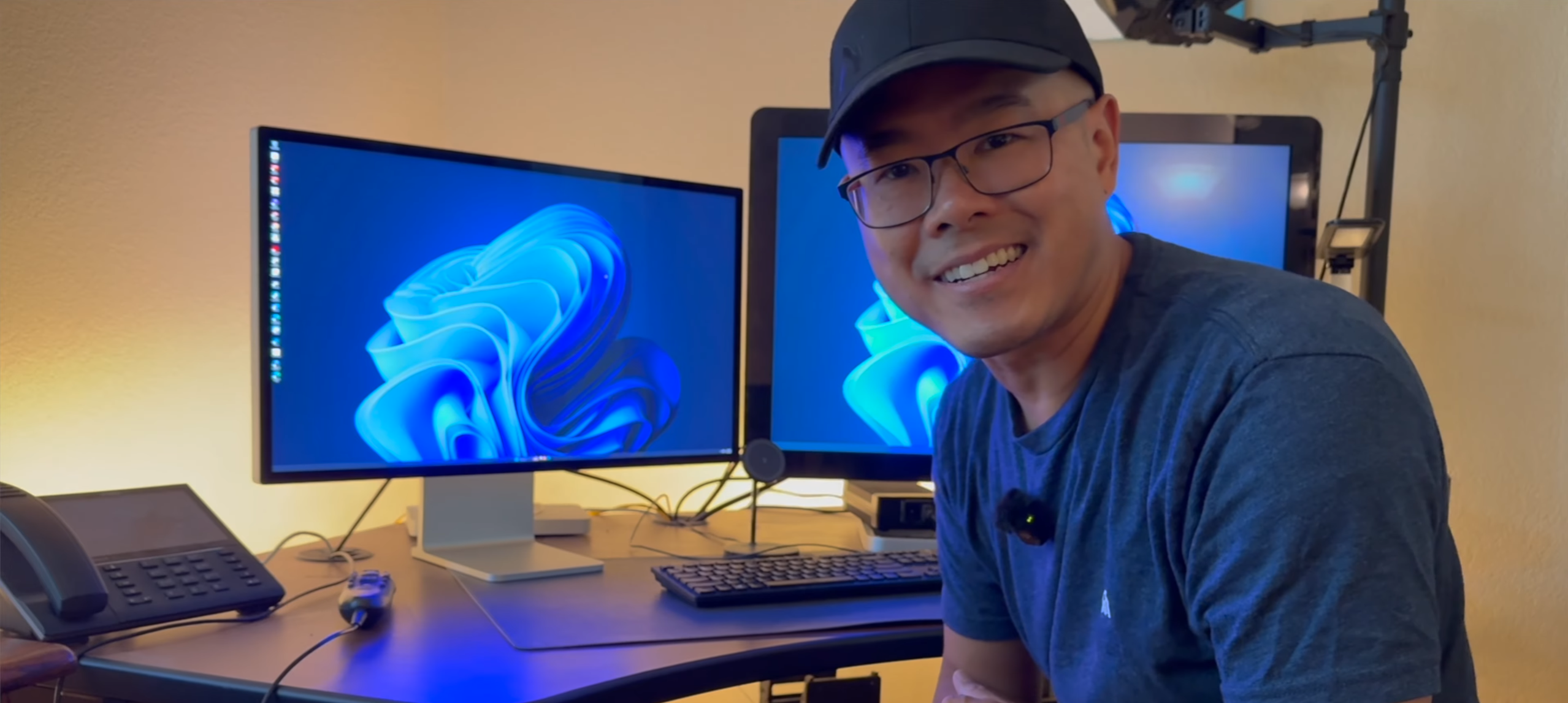
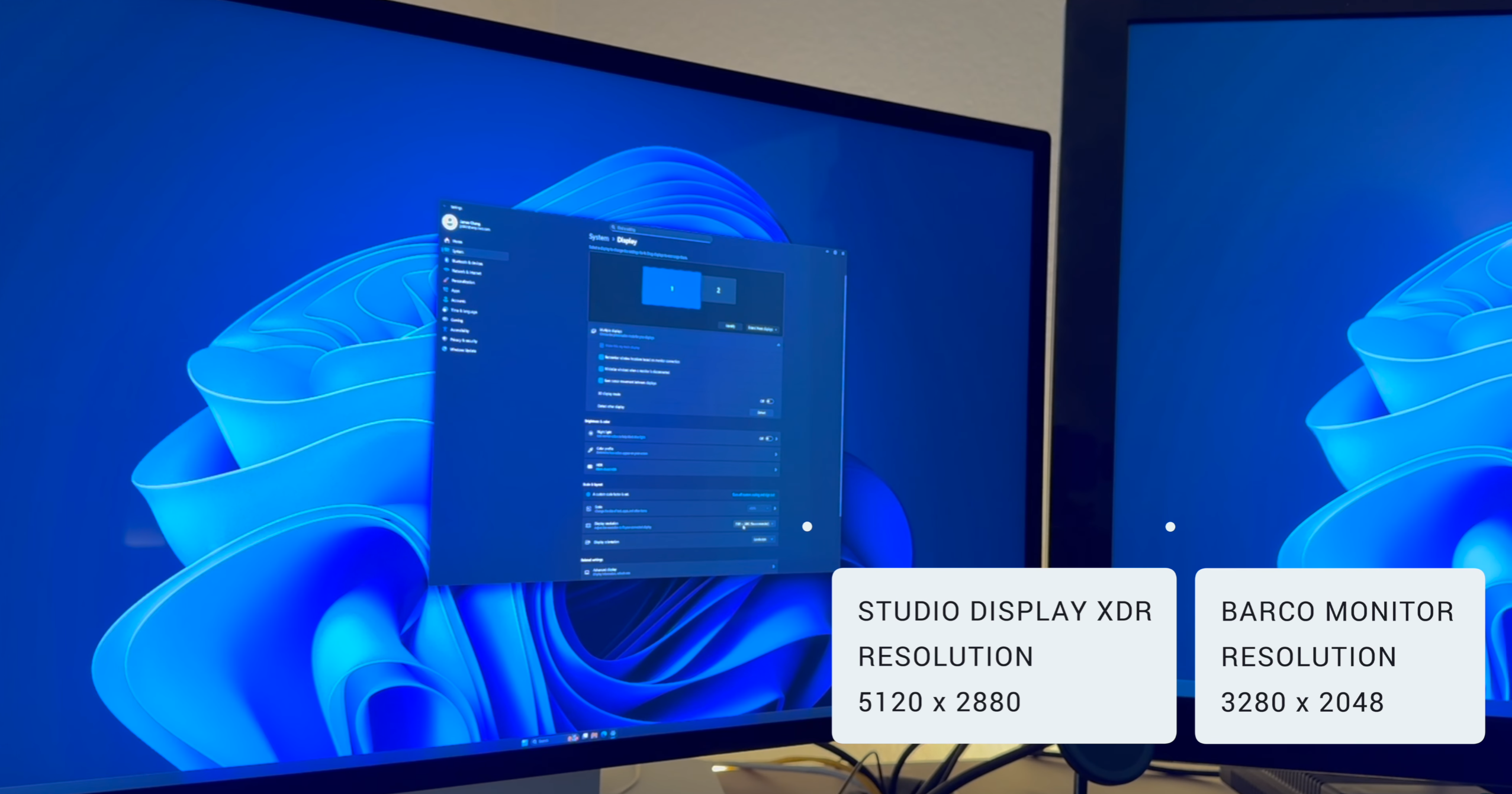
The Apple Studio Display XDR is not a typical content creator purchase. According to Jimmy, it carries FDA clearance for reading CT scans, X-rays, ultrasounds, MRIs, and nuclear medicine studies, which covers nearly every radiologic modality except mammography. That certification, combined with its 5,120 by 2,880 resolution, puts it in a category of its own for a monitor you can actually buy at an Apple Store.
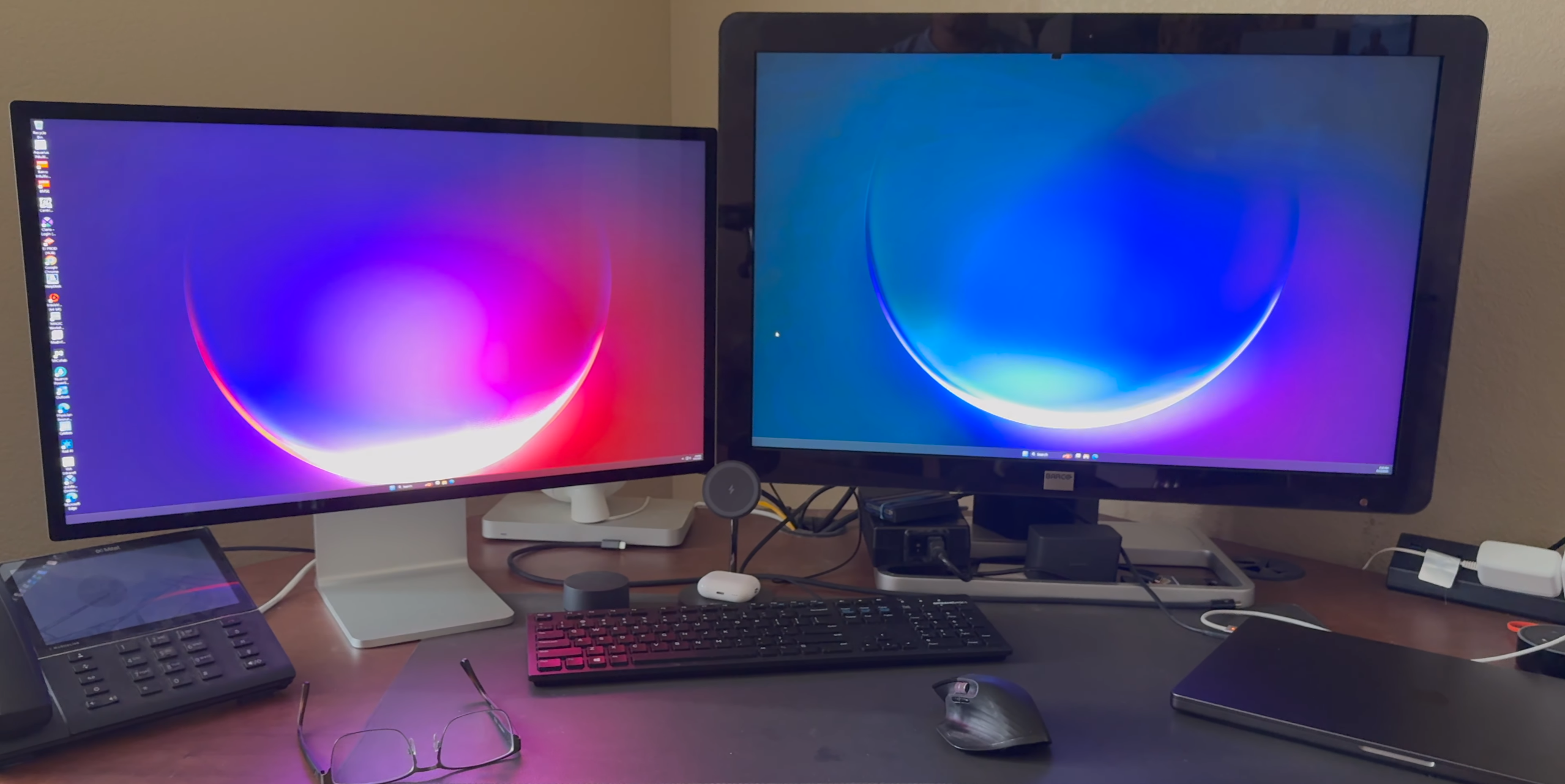
Jimmy's radiology workstation already runs a Barco medical display as the primary monitor: 3,280 by 2,048 panel that represents the current clinical standard in his setup (running just under $8k). The Studio Display XDR came in as a potential secondary for Jimmy, not a replacement.
The PC Compatibility Question
This was the real test, and it worked. The connection required a mini displayport dongle into a displayport to USB-C Thunderbolt cable, routed through an Nvidia Quadro P1000 GPU. First attempt, no issues. For anyone who has spent time in Apple-to-Windows compatibility forums, that outcome is notable. Jimmy noted that he had read a significant number of accounts describing failed connection attempts before getting his own to succeed on the first try.
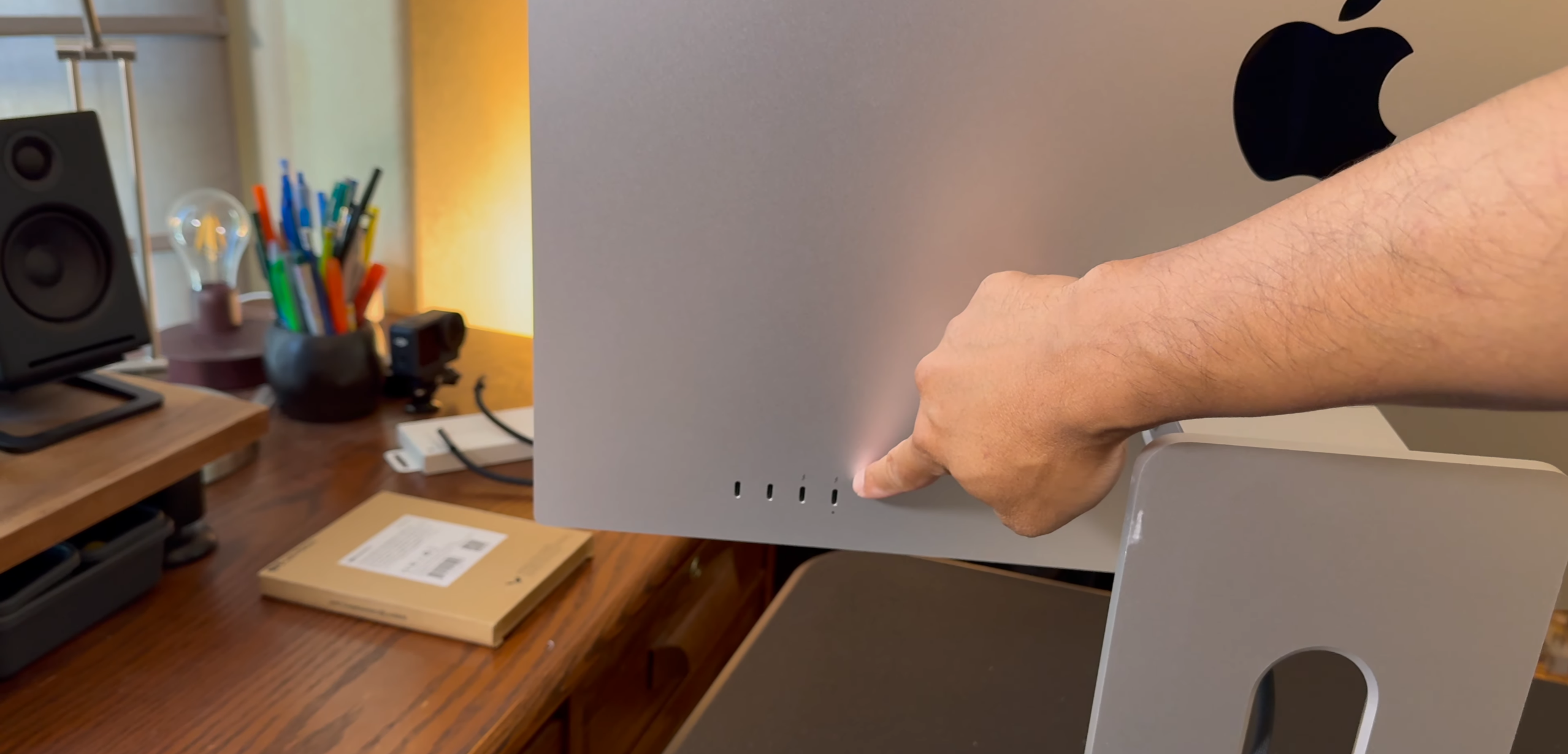
A few caveats exist. The Thunderbolt port on the back does connect to PC, but Apple-specific features — the built-in webcam and speaker integration — do not carry over with full functionality. And if you want to switch between a Mac and a PC, there is no software switching. You physically swap cables in the back every time, which is a friction point to be aware of.
Display Quality Side by Side
With both monitors running simultaneously, the difference in visual character was immediately apparent. The Barco delivers the calibrated, clinically validated image that regulatory workflows demand. The Studio Display XDR, sitting next to it, reads as sharper, more vibrant, and noticeably crisper to the eye. Whether that translates to diagnostic utility depends entirely on calibration, which Jimmy had not yet completed at the time of filming.
The calibration process runs through a Mac, and an Apple Store representative told Jimmy that the calibration settings are stored in the monitor's onboard memory, meaning they should persist when the display is swapped back to a PC. That claim is worth treating cautiously until tested, as it comes from a retail channel, not technical documentation.
What Works, What Doesn't
The stand design is well-executed. The pivot action is smooth and the build quality feels appropriate for the price. The audio is a standout, briefly tested during video editing work, though that is a secondary consideration for a radiology use case.
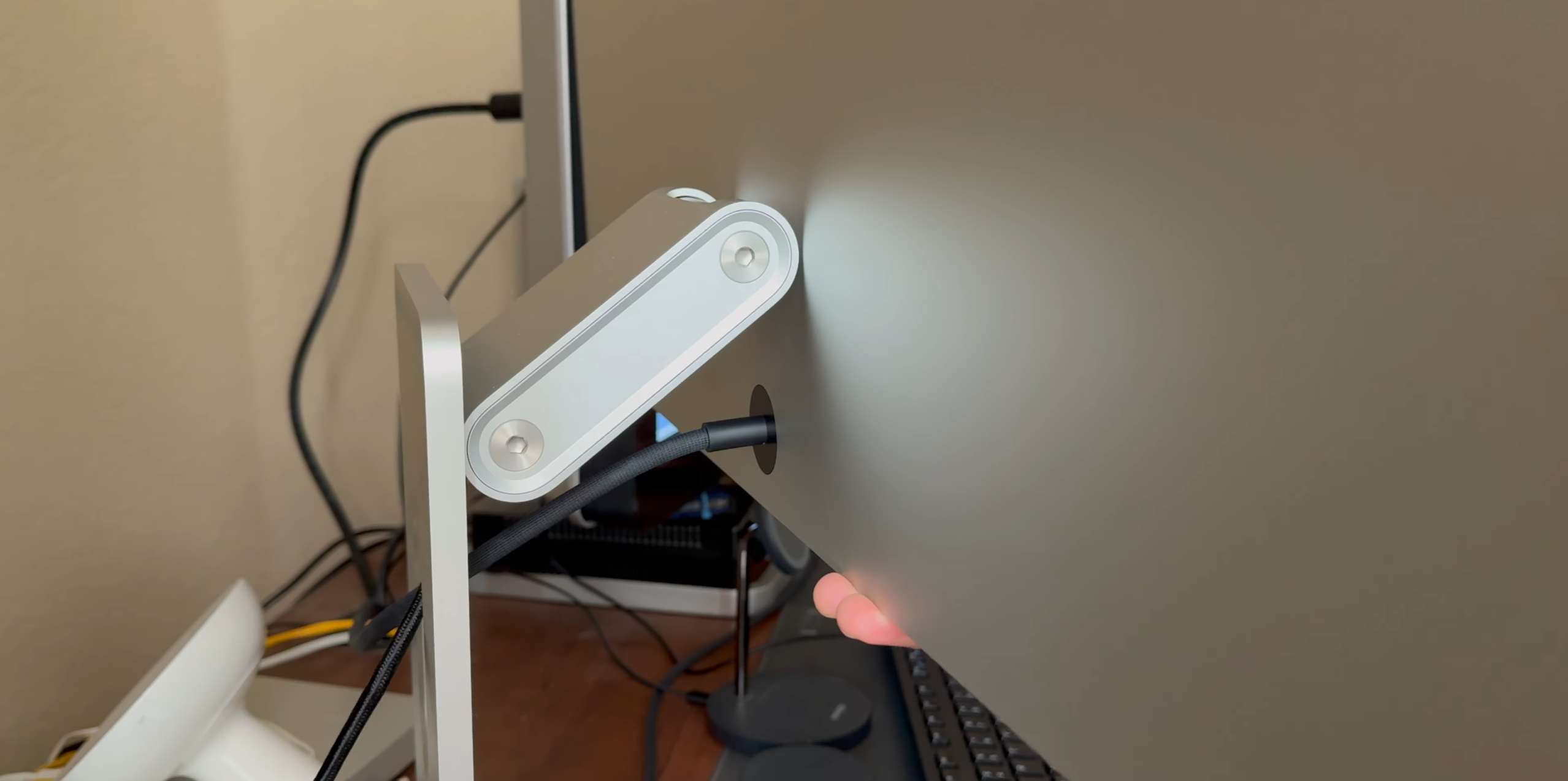
While the praise is notable, frustrations are real. At 27 inches, Jimmy would prefer a 32-inch version and states plainly he would upgrade immediately if it existed. The stand is not removable without effort, which creates problems for users who need VESA mounting or travel with their display. Port selection is limited relative to what a premium display at this cost should offer. And the mandatory cable swap for Mac and PC switching is the kind of friction that compounds on a daily workflow.
The Freshly Charged Verdict
The display carries the right certifications on paper, it connected to a Windows workstation without drama, and the resolution spec outpaces Jimmy's existing Barco panel. But calibration for diagnostic reading has not been completed, clinical utility in a real reading workflow remains unverified, and size may be a dealbreaker if you're used to a huge Barco display. Jimmy's plan is to run it as a secondary display, monitor for flickering, latency, or disconnection issues over time, and pursue proper calibration if the stability holds. For radiologists curious about whether this display can cross from the consumer world into a clinical one, the early answer is: possibly, and more plausibly than expected. However, the full answer requires more time with it.
- Displayport to Thunderbolt cable that worked for Jimmy: https://amzn.to/42w82qf
No comments yet…